Making A Payment
When MYiCLUBonline users select either the Past Due link or the Make A Payment tab, they are taken to the Make A Payment page where they can submit payment toward their balance.
Draft Pending Window
If the member has any drafts pending in the ABC Billing System, a pop-up window will appear with the following verbiage:
"You have a draft pending on one or more invoices. Payments scheduled now may be applied to future invoices. Are you sure you wish to schedule a payment at this time?"
Example:
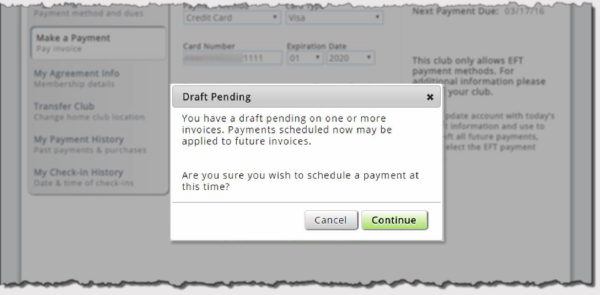
If the member selects Continue, the payment process will proceed. If Cancel is selected, the member will be returned to the Make A Payment page to make any necessary modifications to the payment.