Printing Dashboard Items
You can print the data for any Dashboard item directly from the Dashboard.
Don’t forget that Dashboard makes it easy to investigate your club performance through More links at the bottom right of each Dashboard Item on the Display. For more information, see Acting on Information with More Links.
To print data from a Dashboard Item:
Click the Print button for that item.

Dashboard opens a PDF containing the data for the item in a new window.
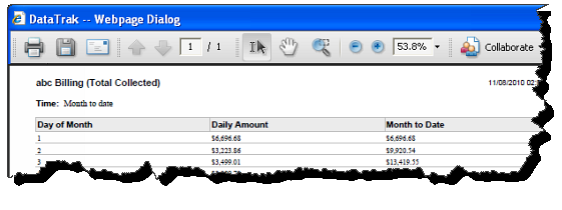
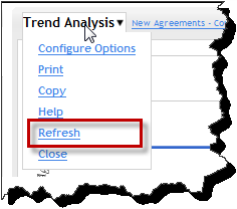
You can also use the Print command in the item’s configuration Menu.
 © 2024 ABC Fitness Solutions, LLC.