Reinstate a Membership
If necessary, you can reinstate a cancelled membership.
Watch the Cancel/Reinstate Membership video
To reinstate a membership
- Go to the member’s Invoices page.
- While in ABC view, click Edit in the upper right-hand corner of the page.
- In the edit menu, click Reinstate Membership.
The Confirm dialog box appears.
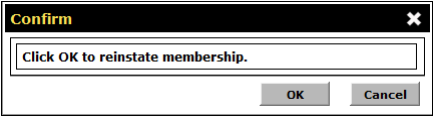
- Click OK.
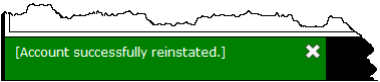
When the transaction is complete, you will receive an Account successfully reinstated message. If the transaction fails, please contact ABC Technical Support for assistance.
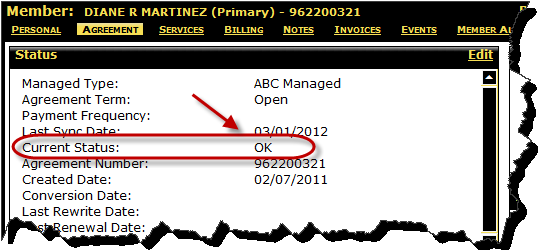
On the member’s Agreement page, the Current Status is changed to OK.
 © 2024 ABC Fitness Solutions, LLC.